Artact
Interactive assistive tool for visual communication
Year
2020
Desk Research
Firstly, I was able to cluster the types of blindness and shortlist the two user types I wanted to focus upon during research.
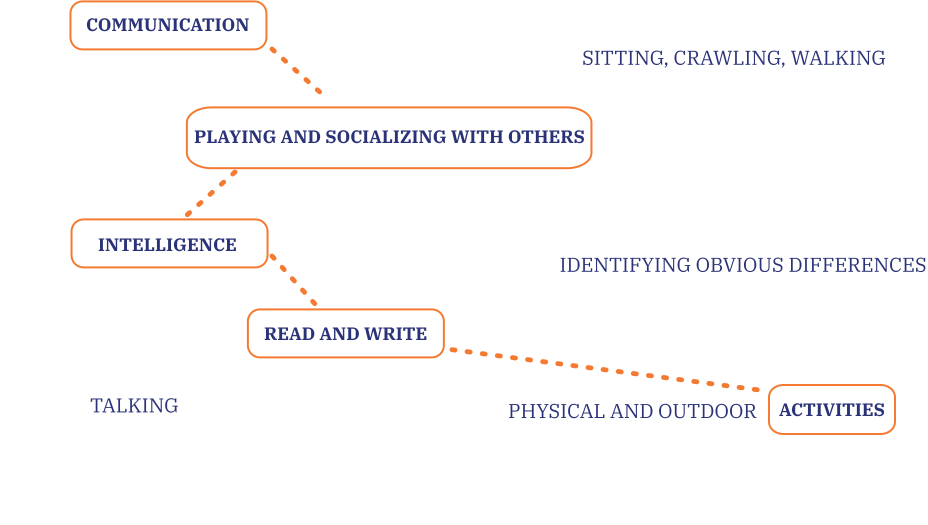
Further studies helped gain insights on how a visually impaired child falls behind during their formal operational stage of growth compared to a sighted child.
Interviews with users in three different settings concluded some insights regarding user needs.
Al Makhtoom School for VI
Maximum learning orally, children have no creative courses.
Create tangibility in communication.
Content Creator for Blind
Visually impaired are comfortable using technology or new objects as long as they receive feedback in some way.
User feedbacks must be used that are understood.
PBCC (Blind Cricket Council)
Cricket equipment is all based on textures, materials and sounds.
Solution that brings out use of other senses in order to bridge the communication gap.
User Observations
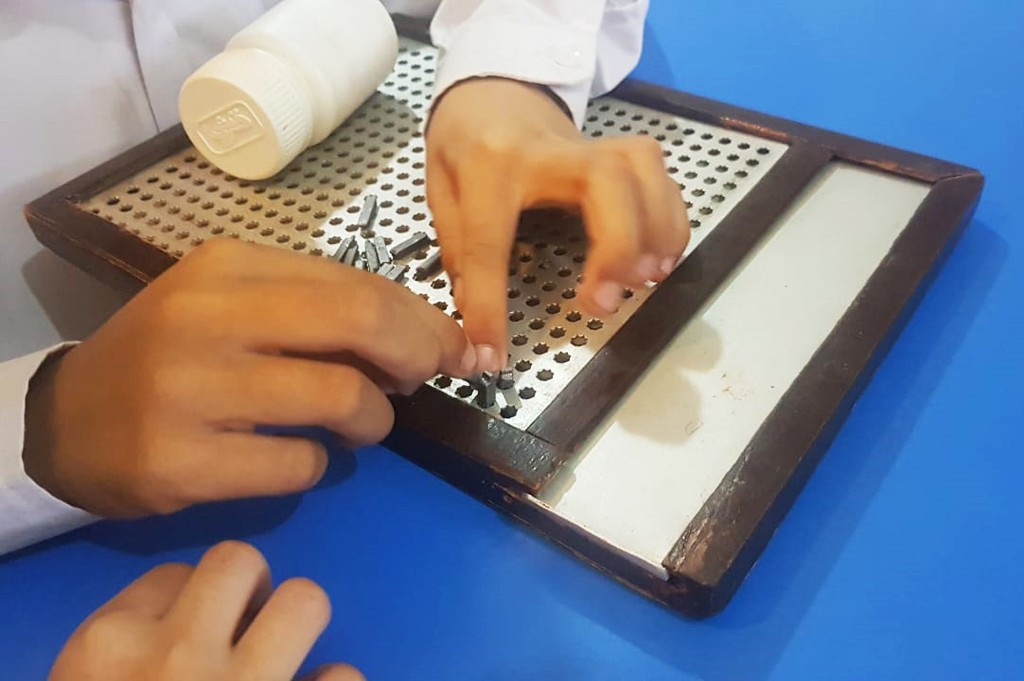
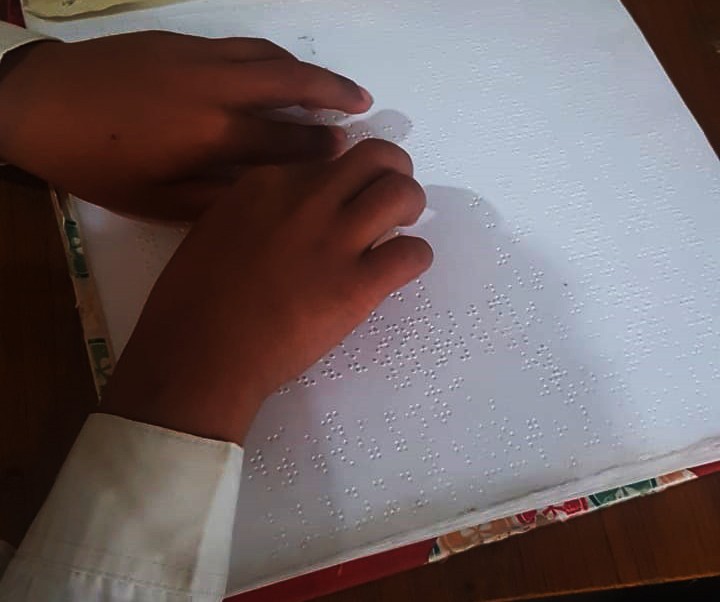
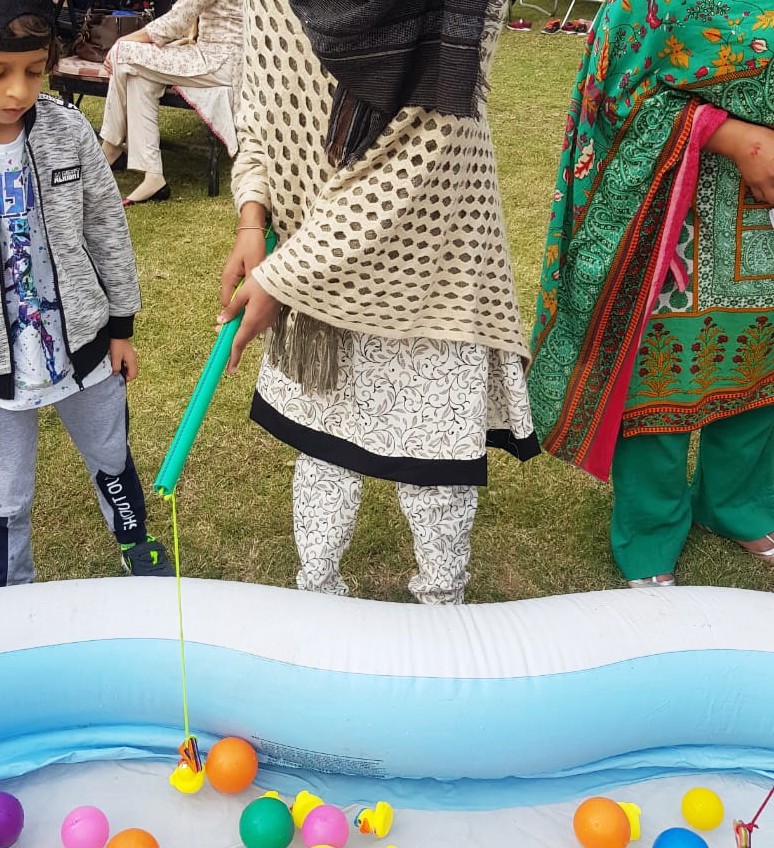
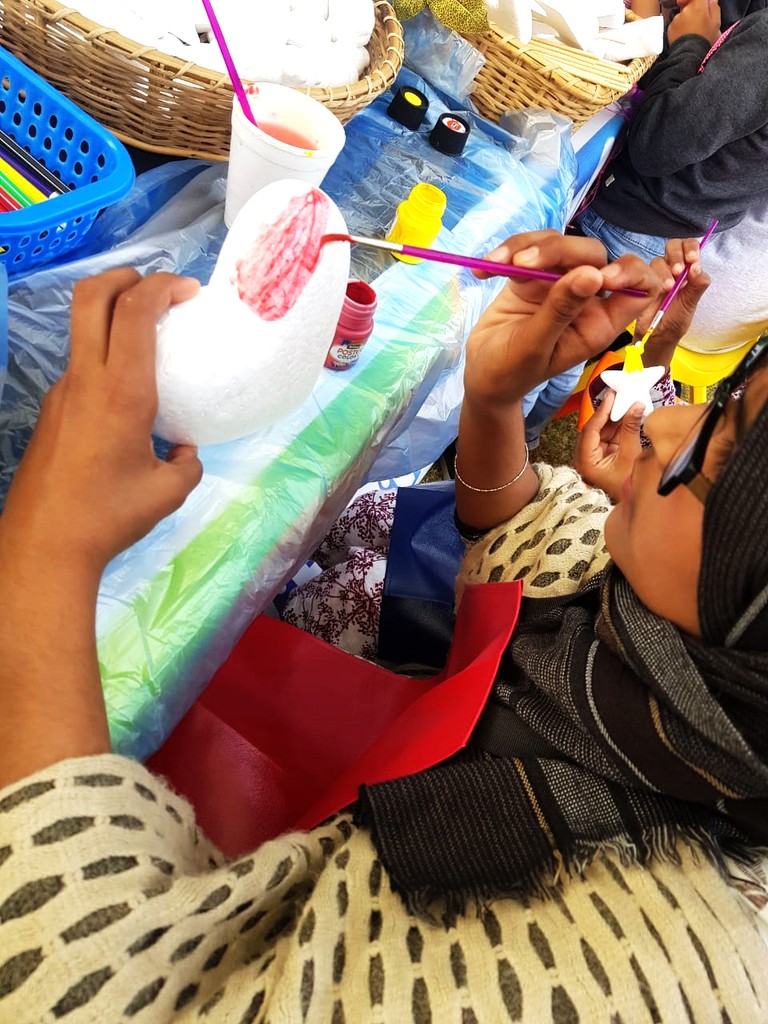
The next phase of the user research study aimed at observing users in their comfort and in new environments. For this phase I visited visually impaired students (partially blind) at a school and took one user (partially sighted) to a children's fair and documented her reactions to various activities in the environment.

Learning
80% learning compromised due to inaccessible mediums
Growth
Lack of visual understanding affects physical and mental growth
Socialising
Socialising gap with abled children due to differences in understanding
Technology
Digitalisation of mediums not accessible to visually impaired
Design Objectives
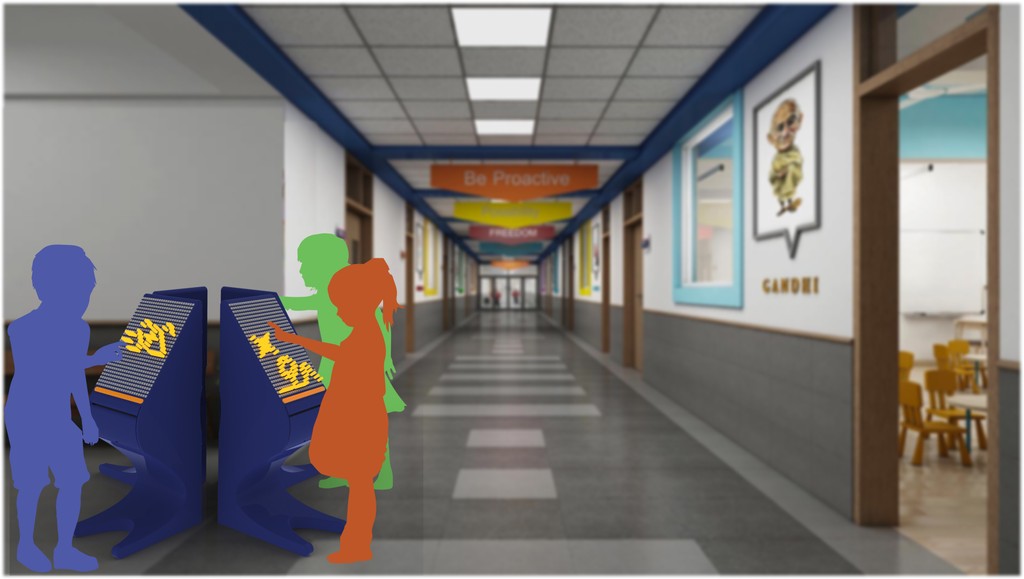
Design a solution that allows visual communication to be tangible in order to enhance development and understanding for partially sighted children who fall behind during formal operational stage, through interactive surfaces and tactile feedbacks whilst creating ground for socializing with sighted peers.
Make ideas tangible
Cognitive skills
Conceptualisation
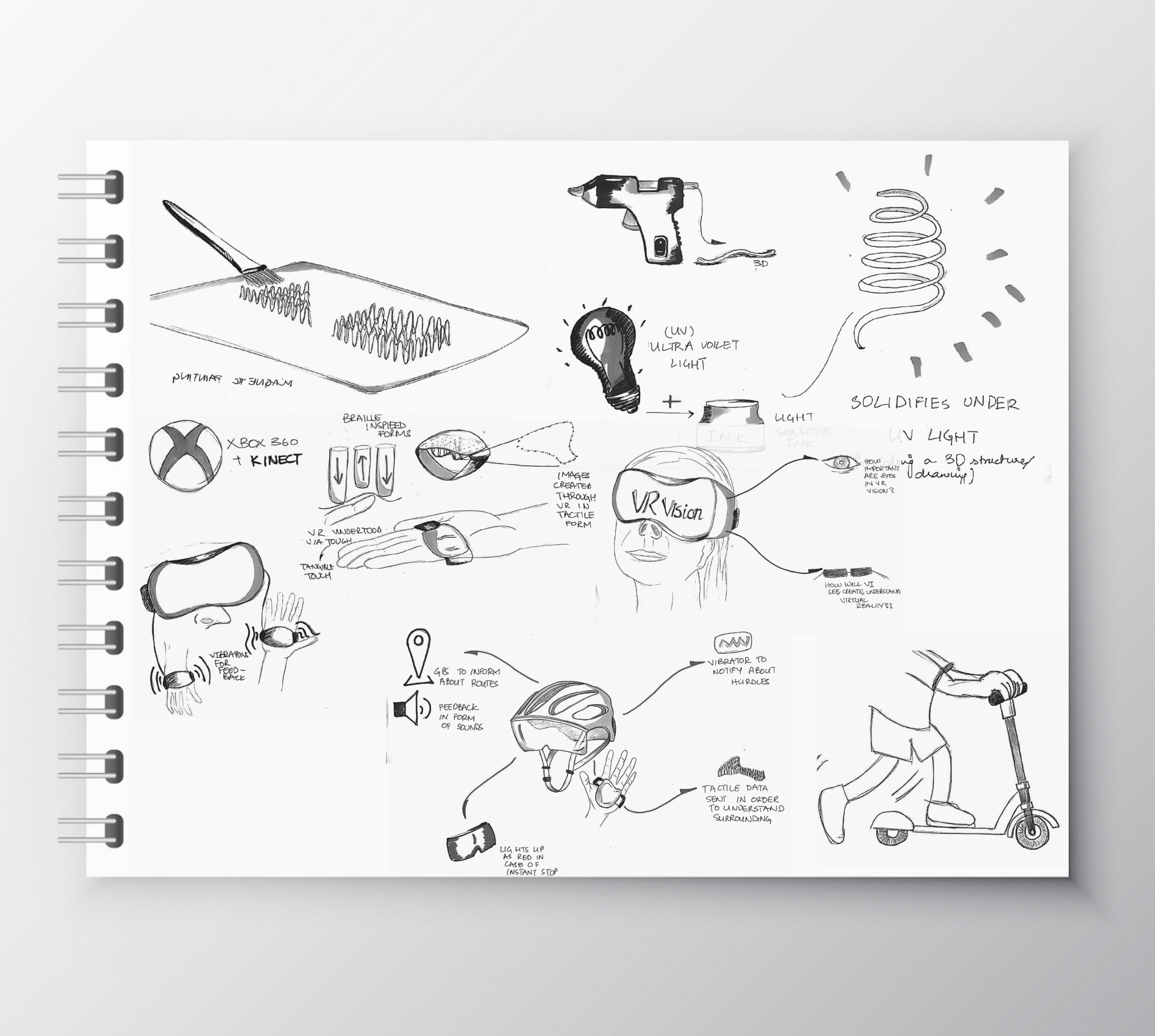
A set of quick concepts were developed through a brainstorming sprint and then each of the concepts were made tangible to test with a focus group.
Concept Testing
Moving forward a set of activities was developed to test with a user group at Al - Makhtoom school for visually impaired based on the concepts, the aim here was to validate the user needs and requirements understood through research. Moreover, to test forms and shapes introduced in the concept phase with real users and document their understanding of them.
Design Development
Insights from user experiences recorded through earlier activities led to developing further the concepts further and polishing one concept into a tangible form by the end of this stage.
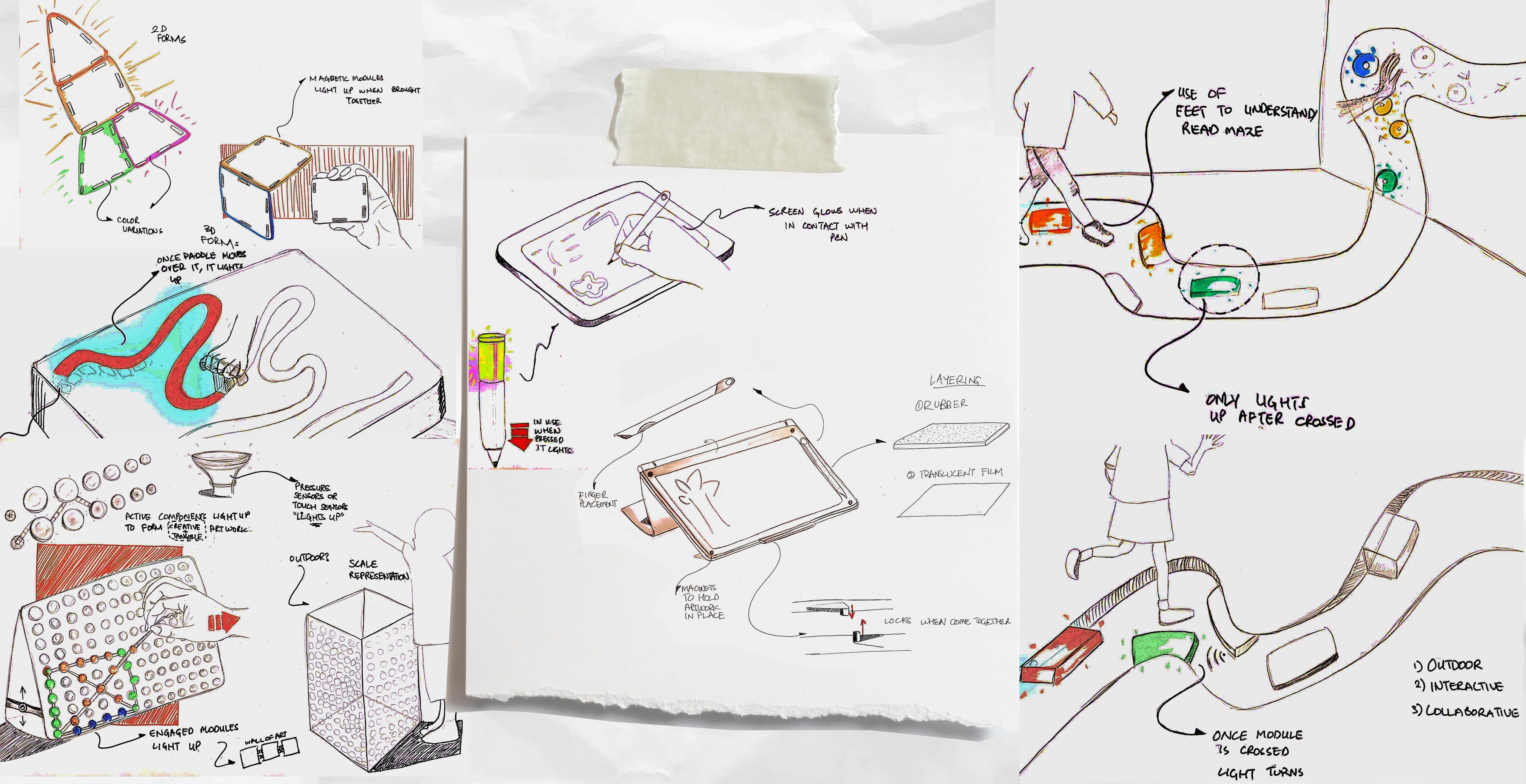
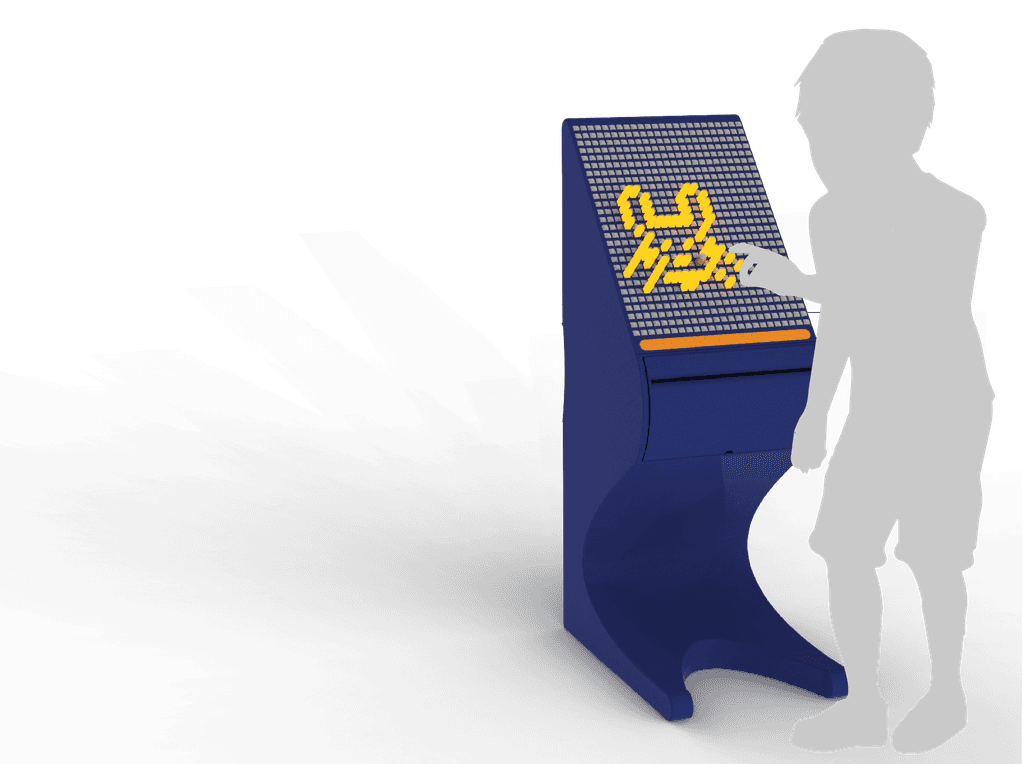
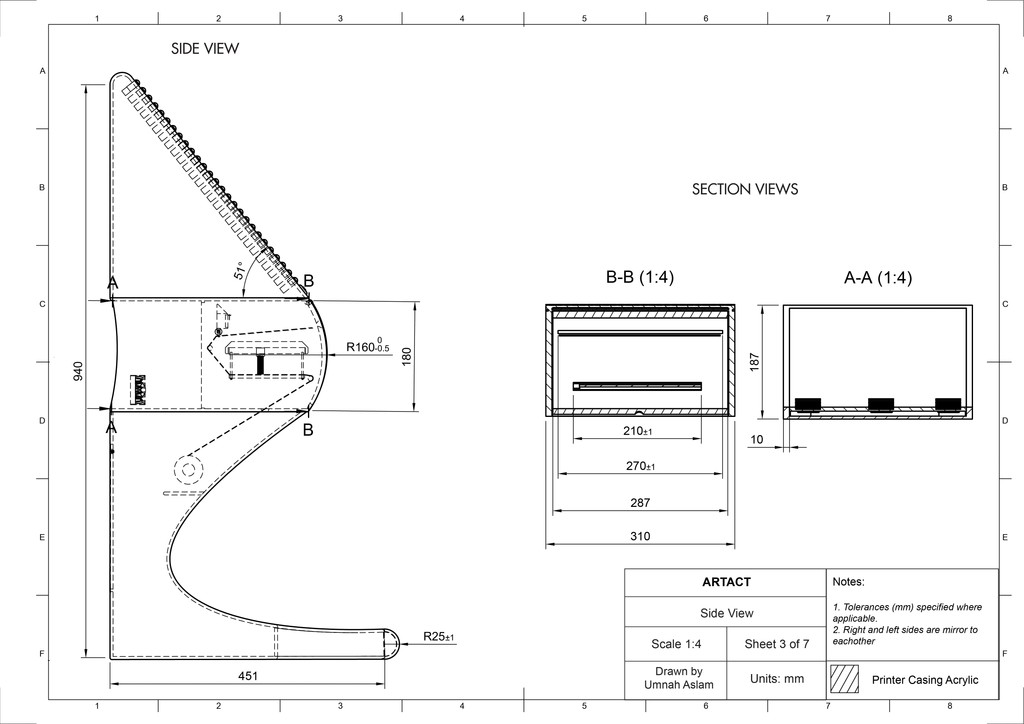
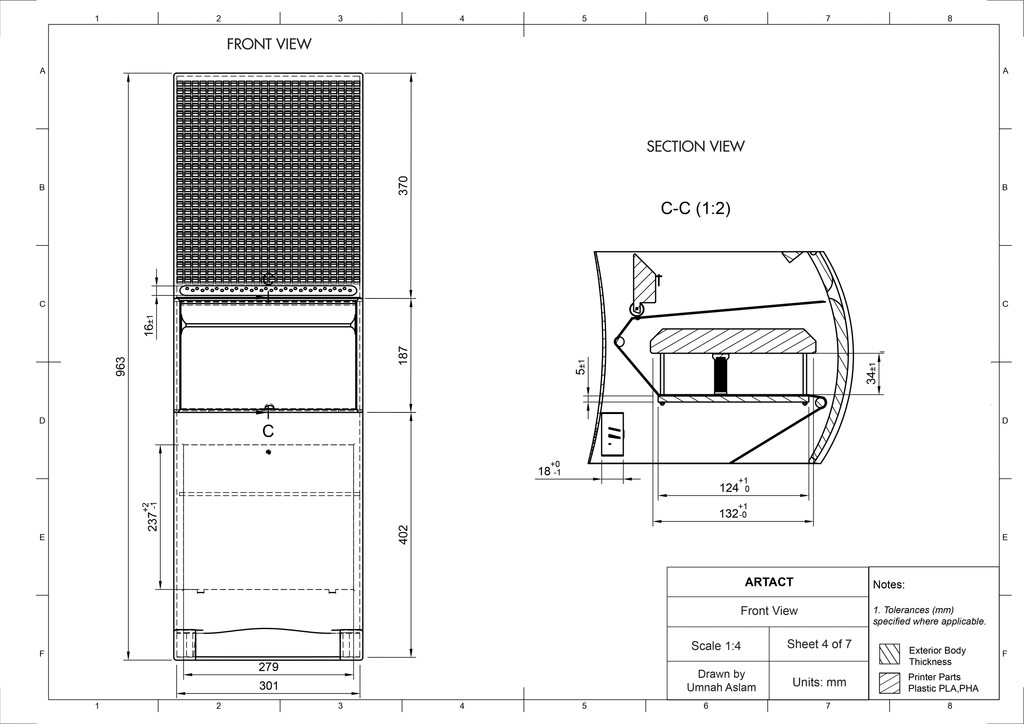
Ideas were taken from paper to form which led to Artact 1.0 that was designed to be an embossed drawing pad for visually impaired children to share ideas and introduce a tool for the users in order to communicate through visuals.
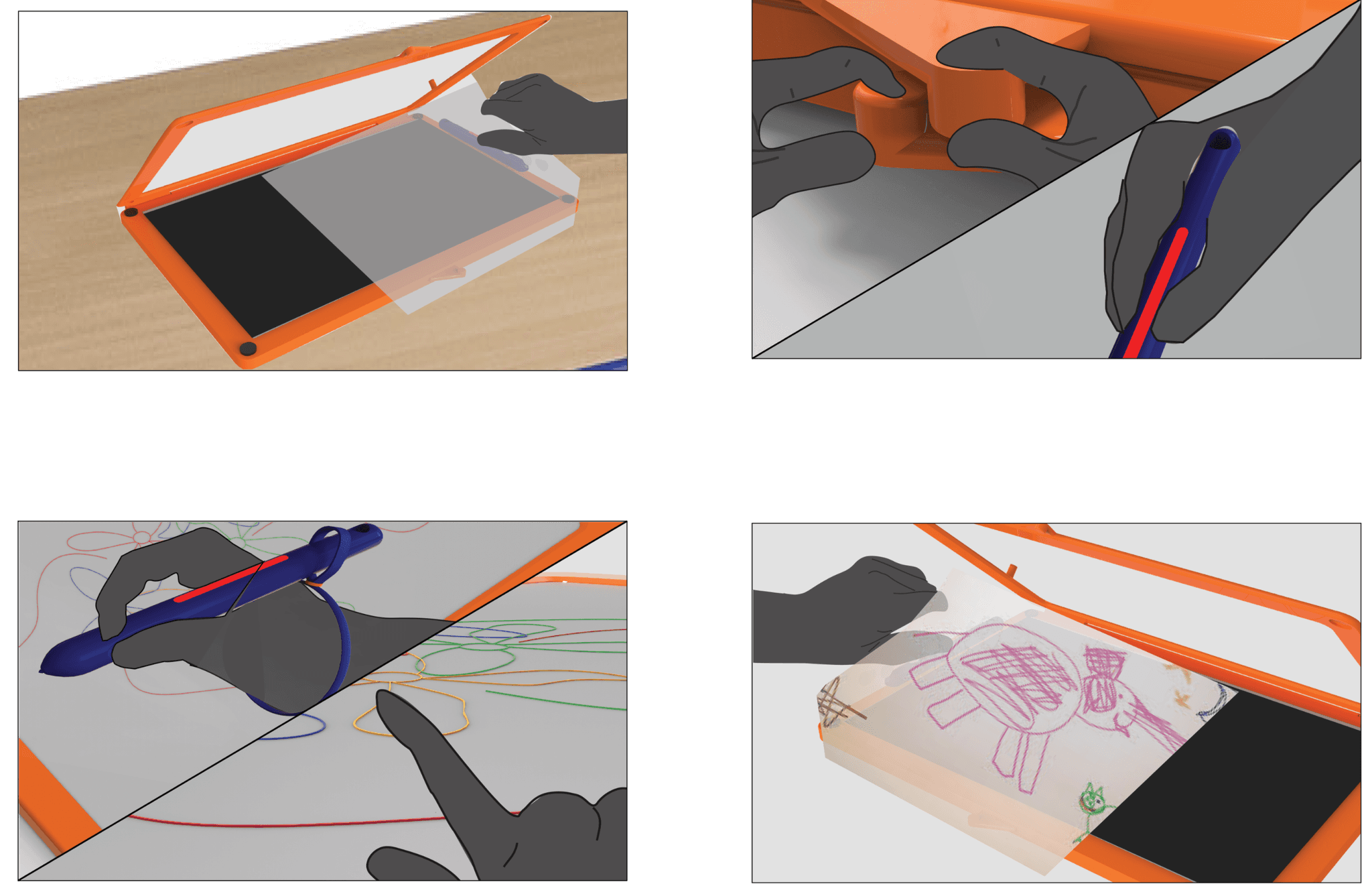
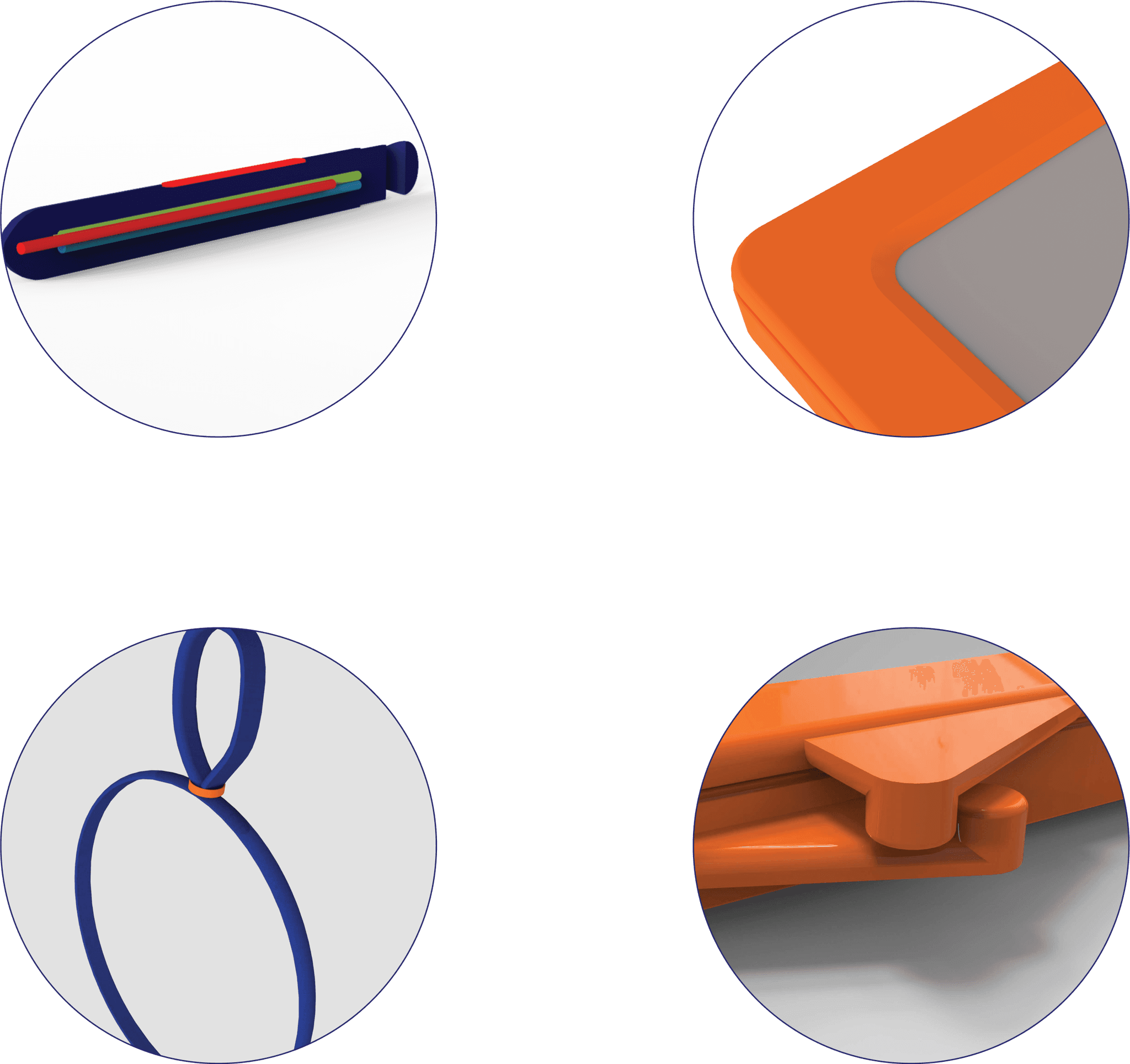
Design iterations based on user testing feedbacks and expert evaluation of the design informed further developments of the design.
Branding
Storyboard
01
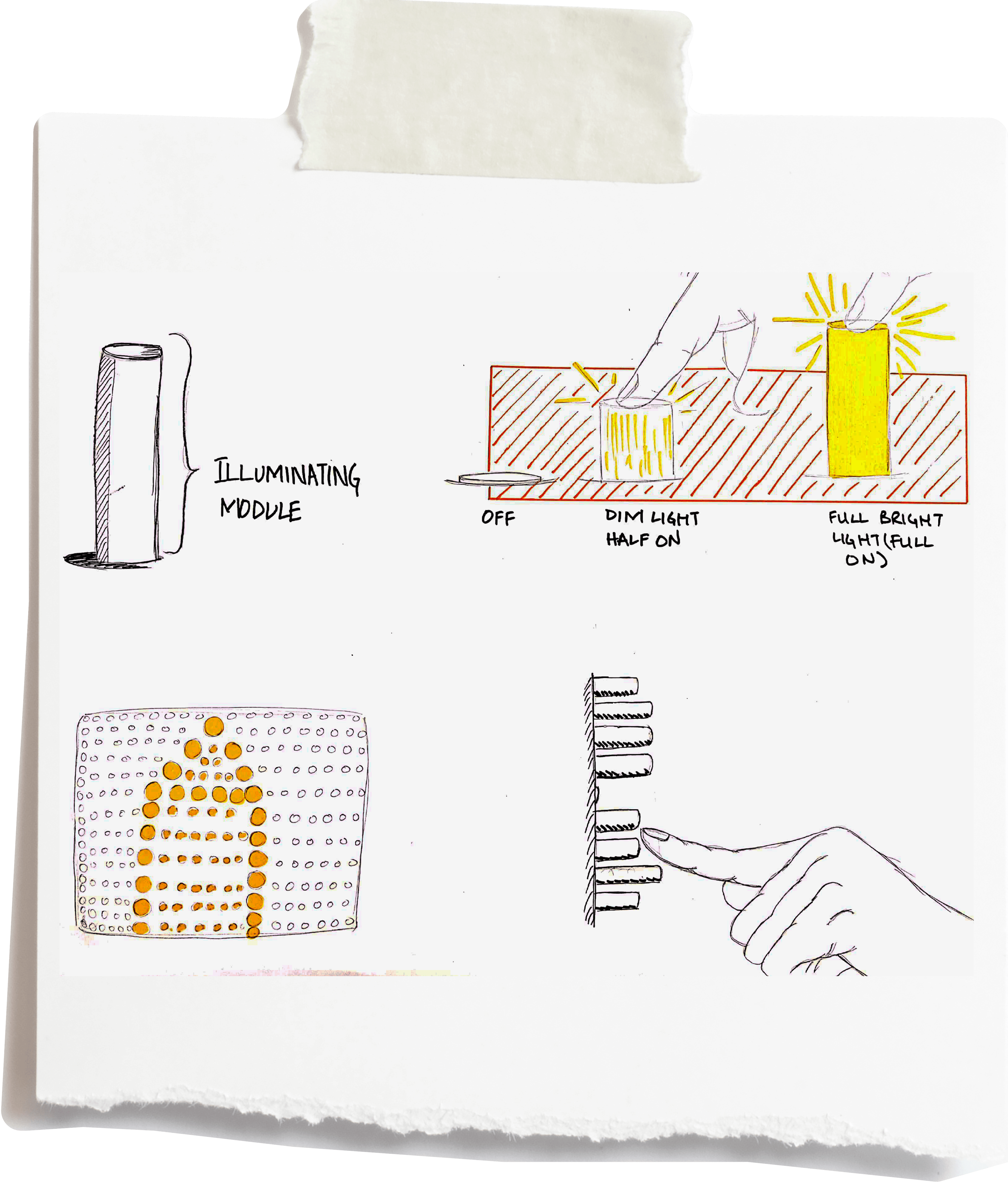
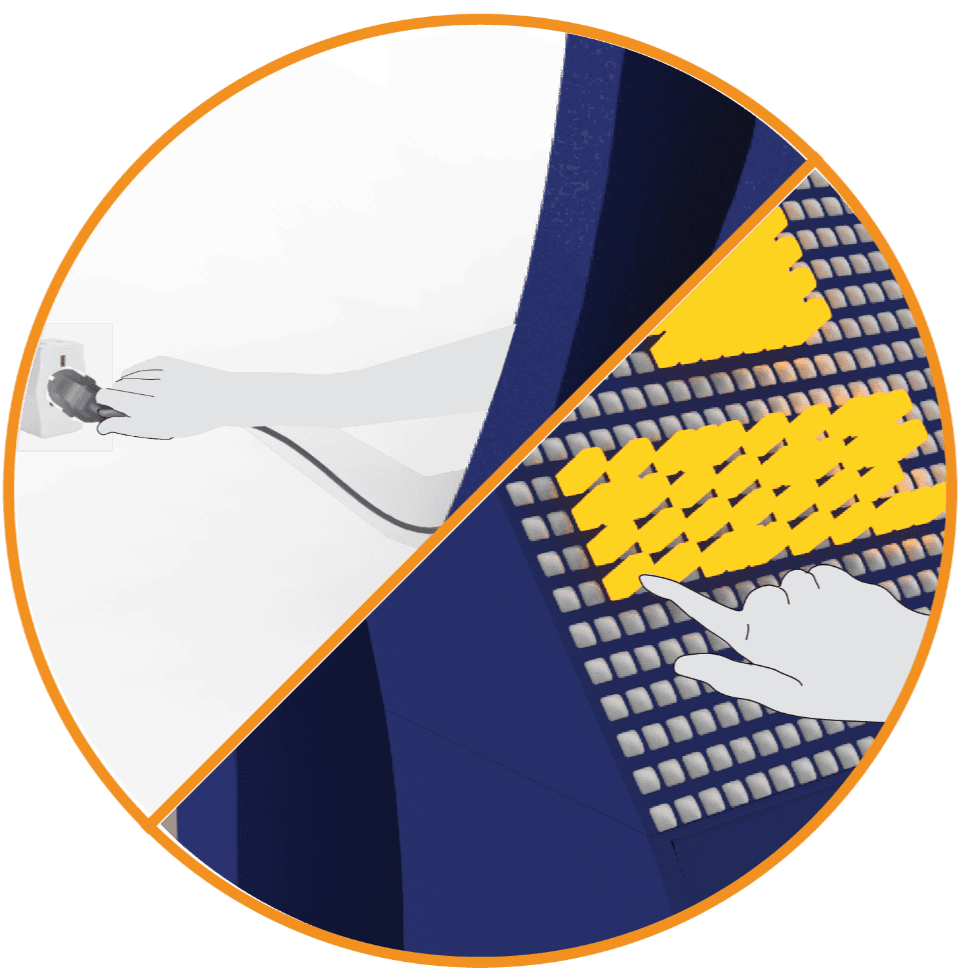
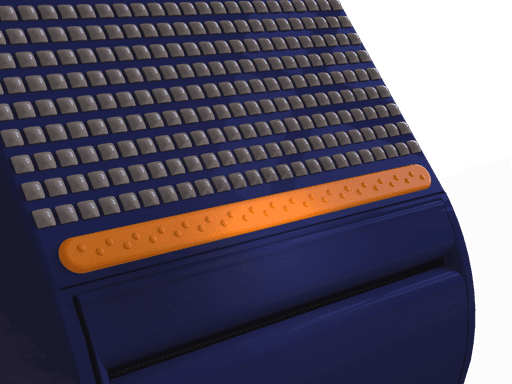
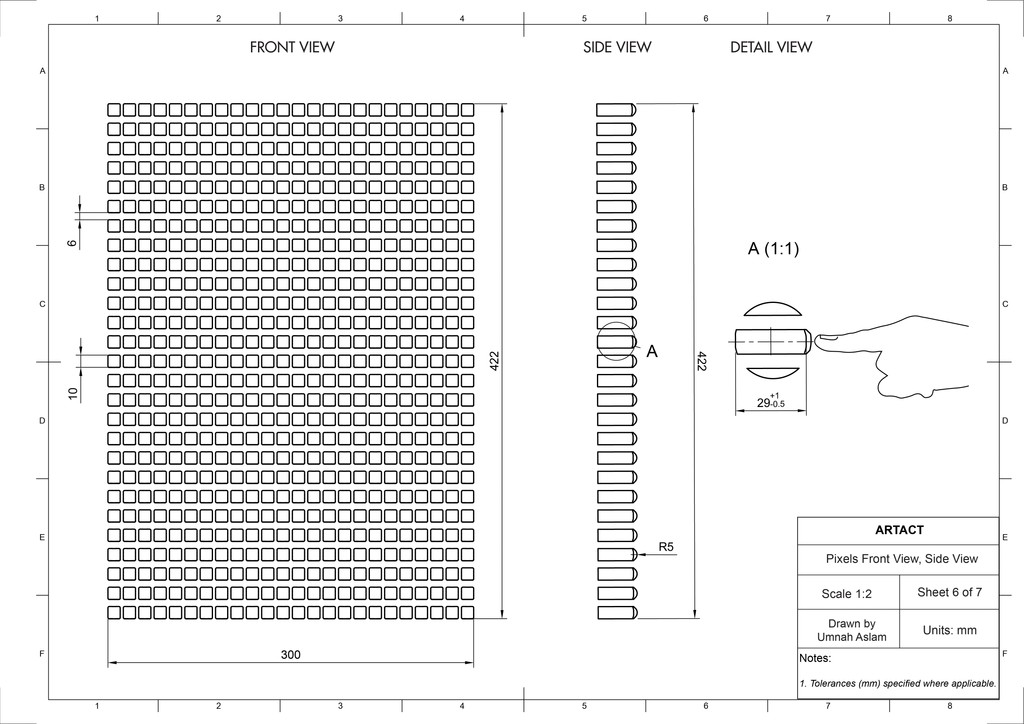
Plugged in to power to operate Artact. User clicks retractable pixel to make it active. The pixel stands out and lights up, click sound is also produced due to mechanical movement.
02
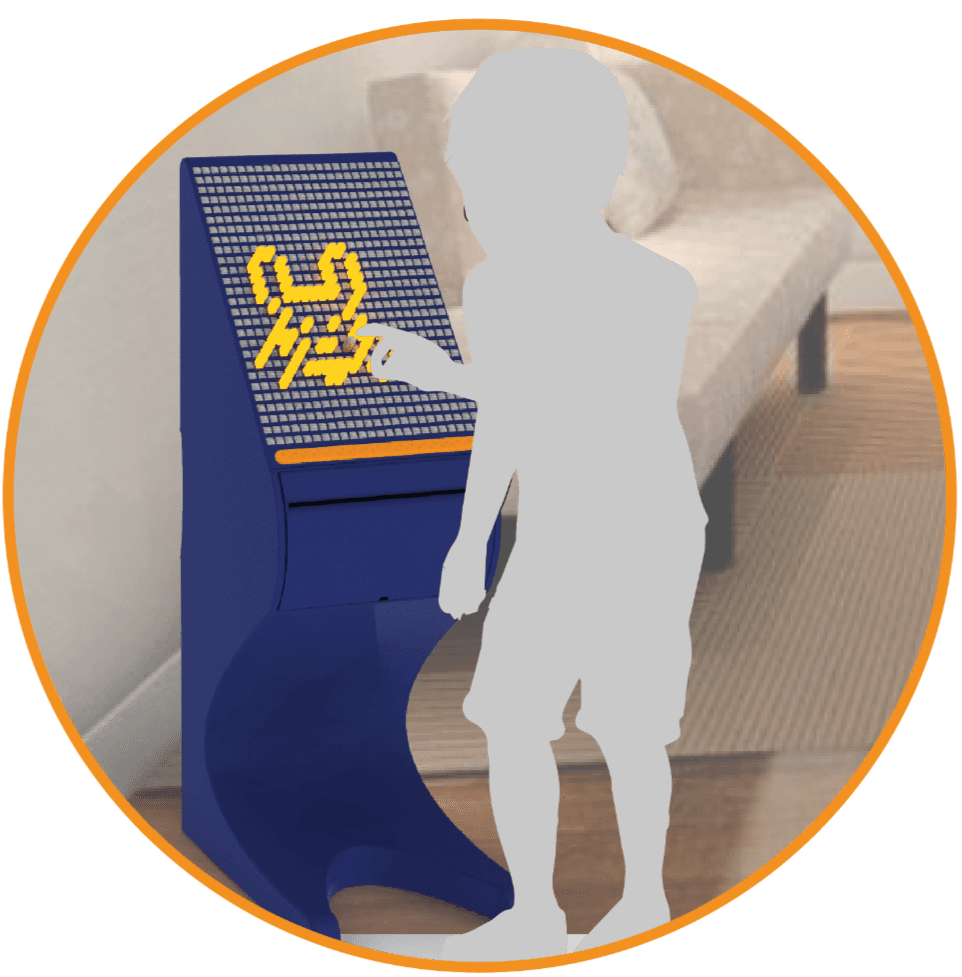
Double touching a pixel deactivates it, back to its former position with light turned off. Final artwork is prepared using the tactile pixels.
03
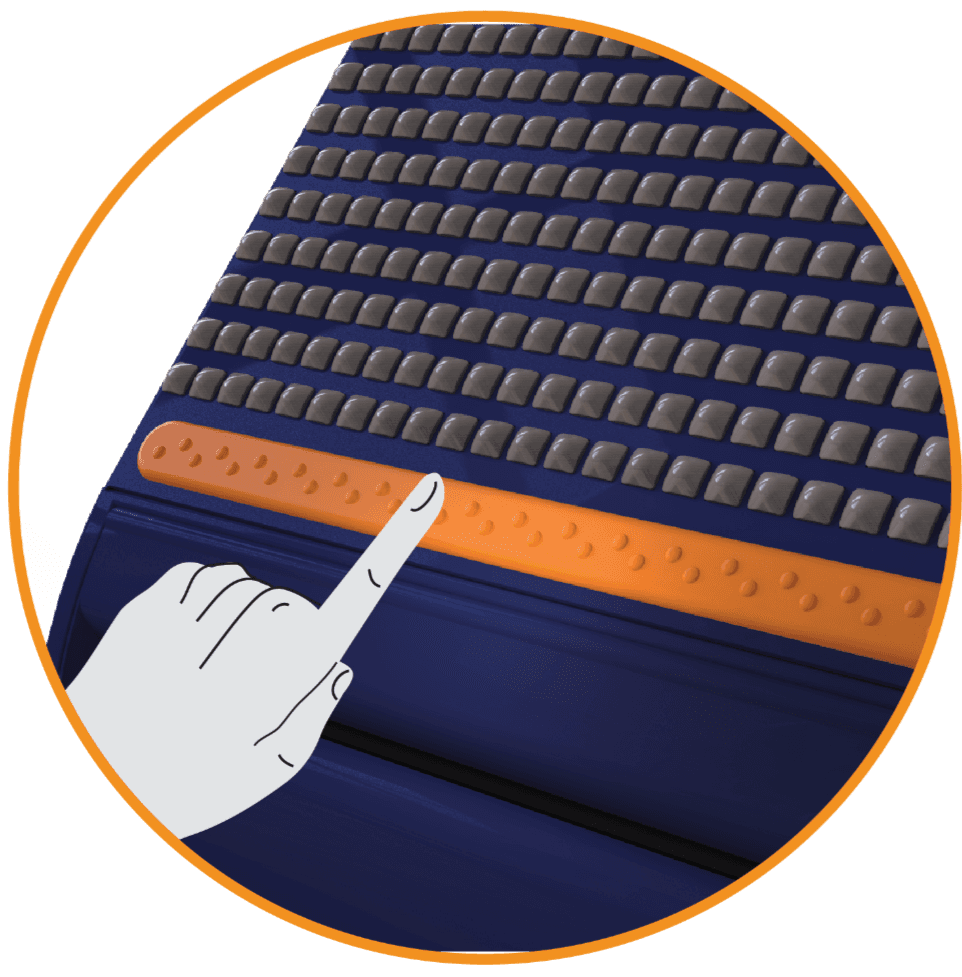
User can restart/ cancel the complete formation of pixels using intuitive button in orange. The surface is embossed with braille like dots to create recognised texture.
04
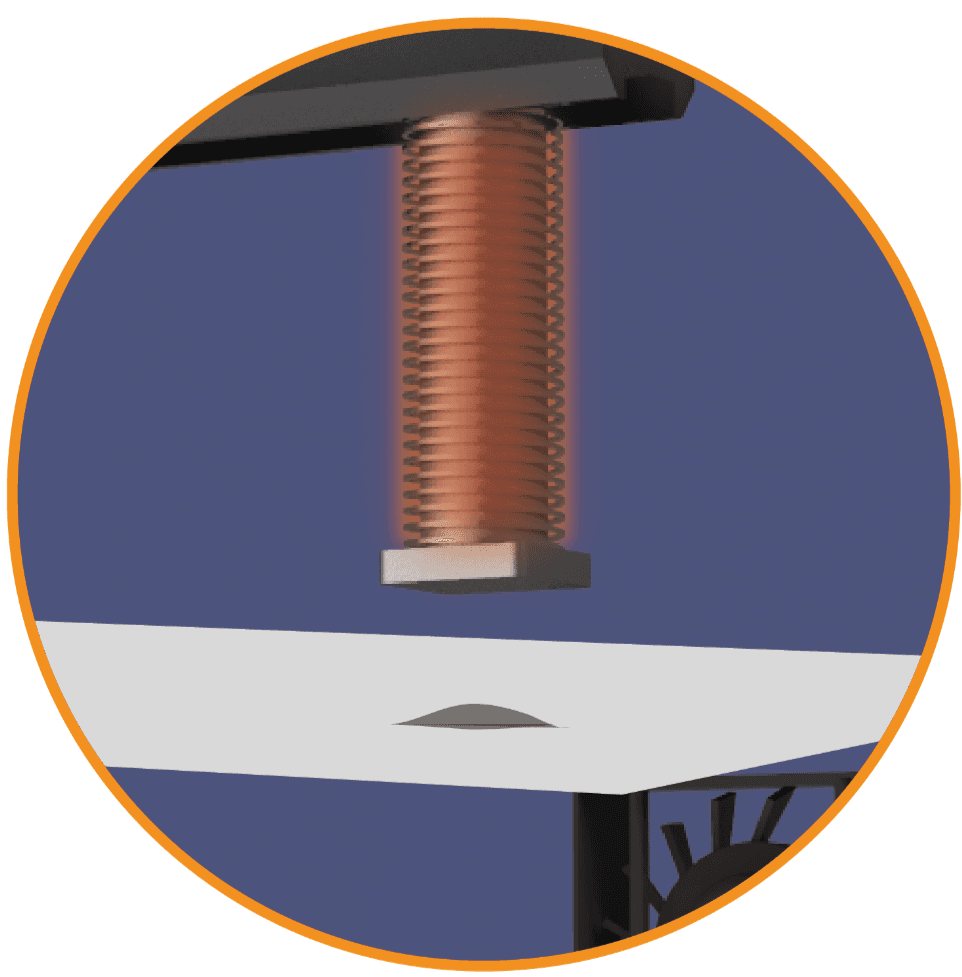
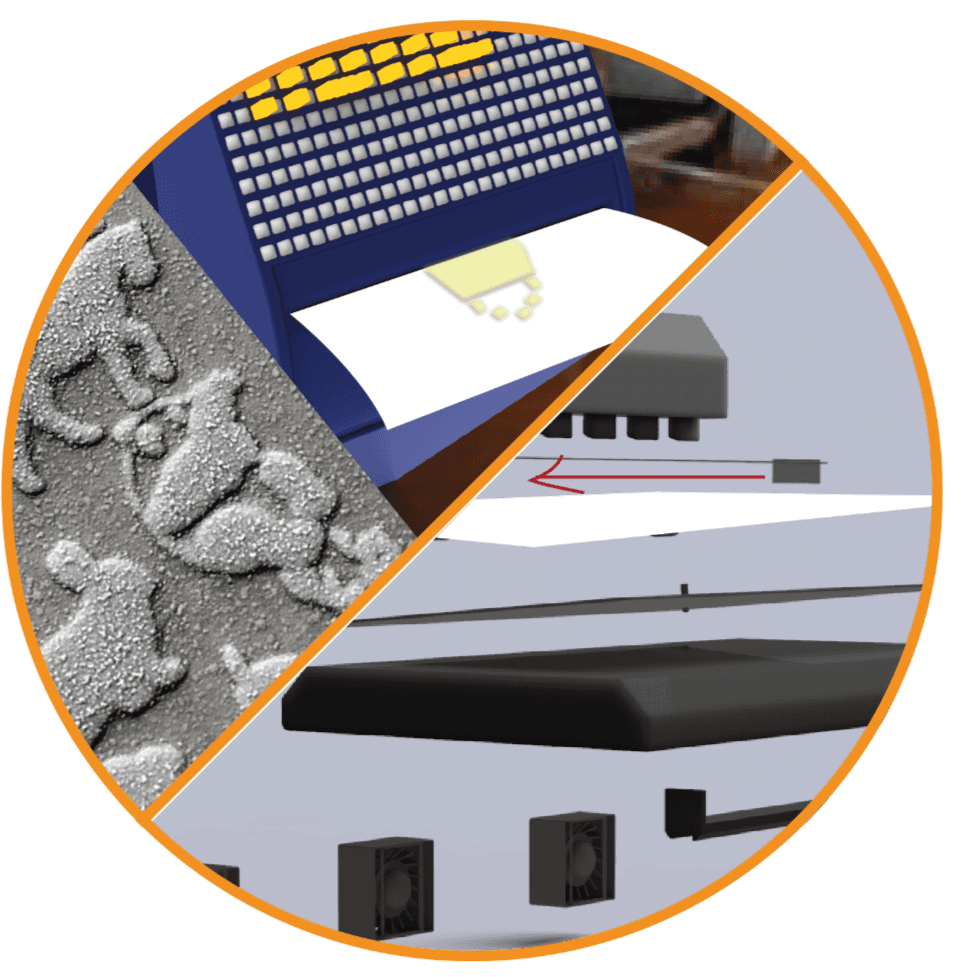
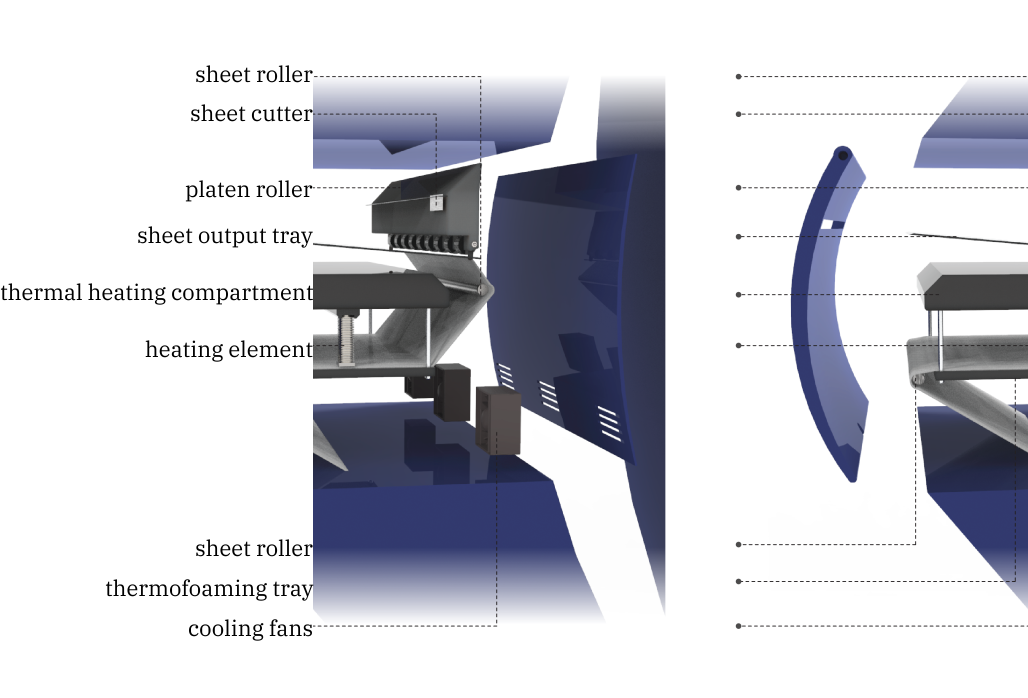
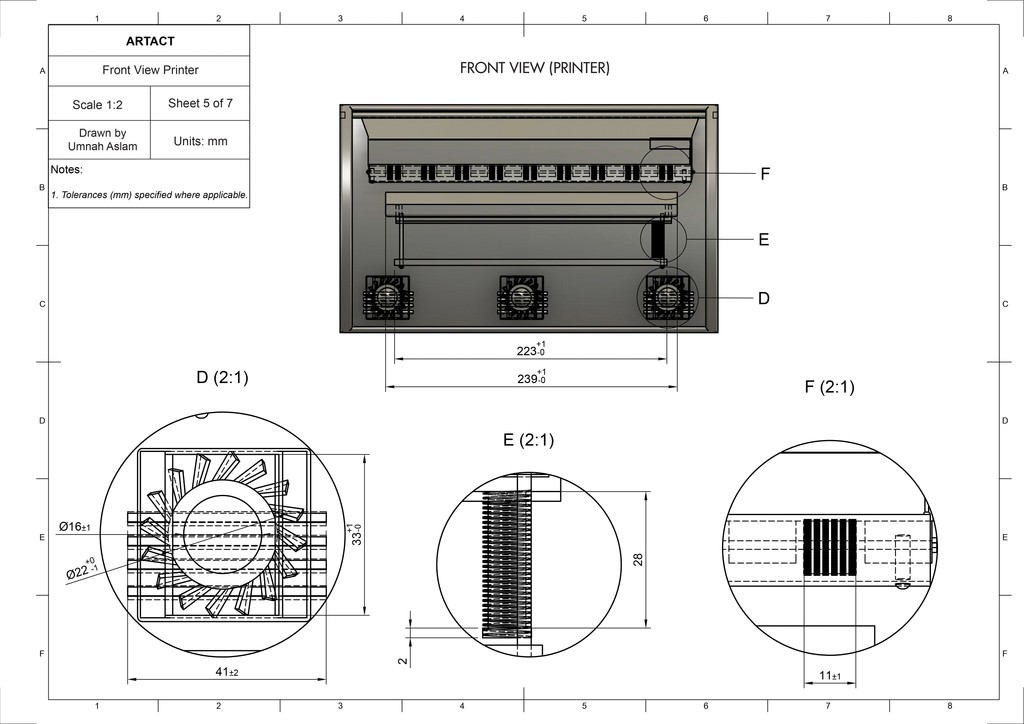
Thermal technology read data from micro controller and processes it in form of heat transferred using heating element onto foaming paper. This foams the area heat is applied to.
05
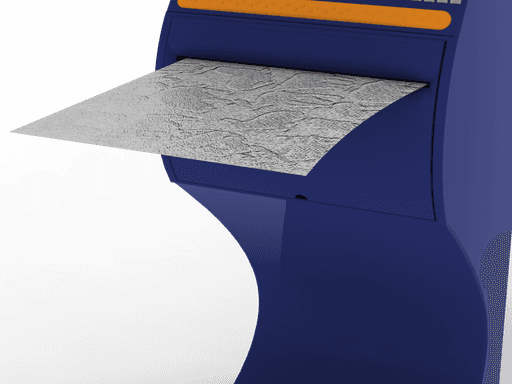
Output is thermofoamed sheet that has a tactile surface to identify what is made on it. Paper is cut from the roller according to set dimension.
06
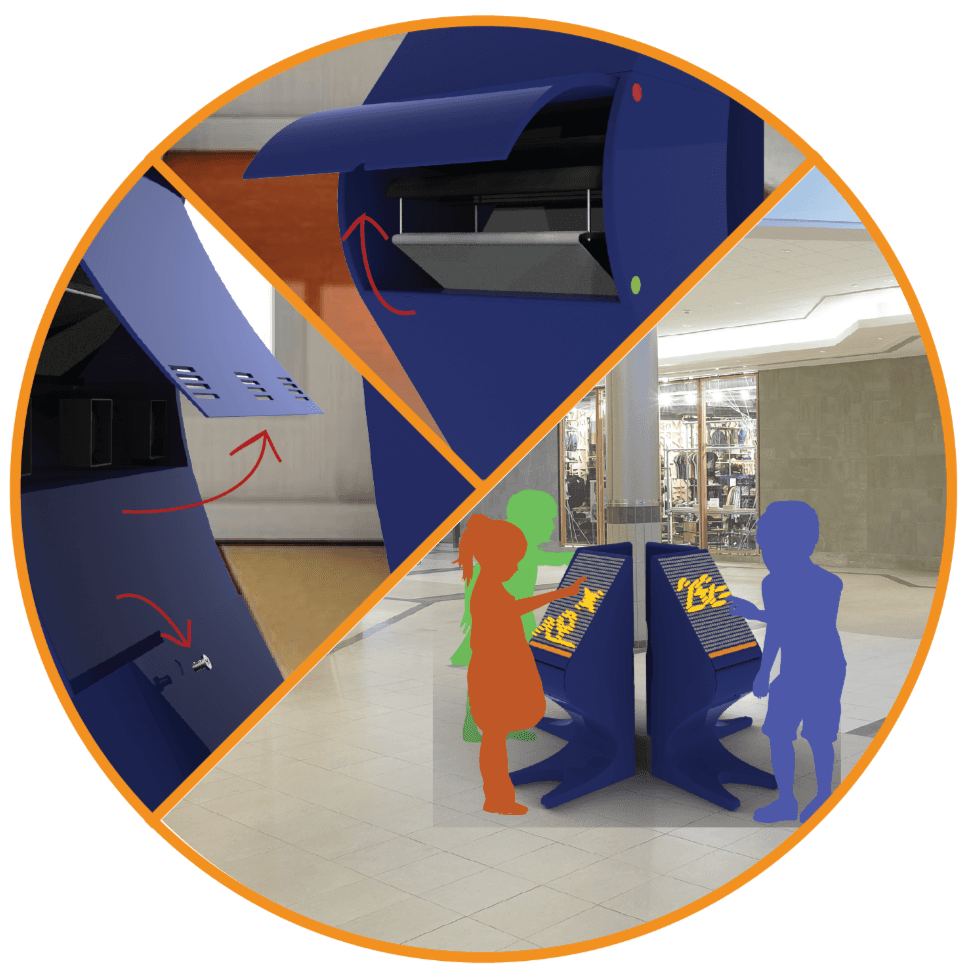
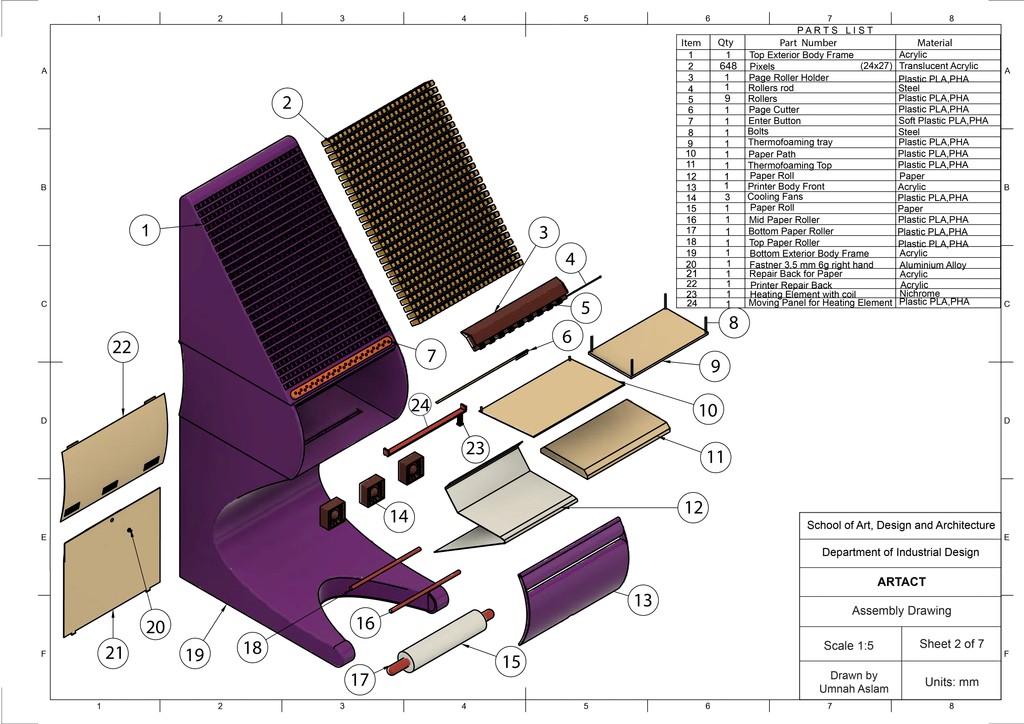
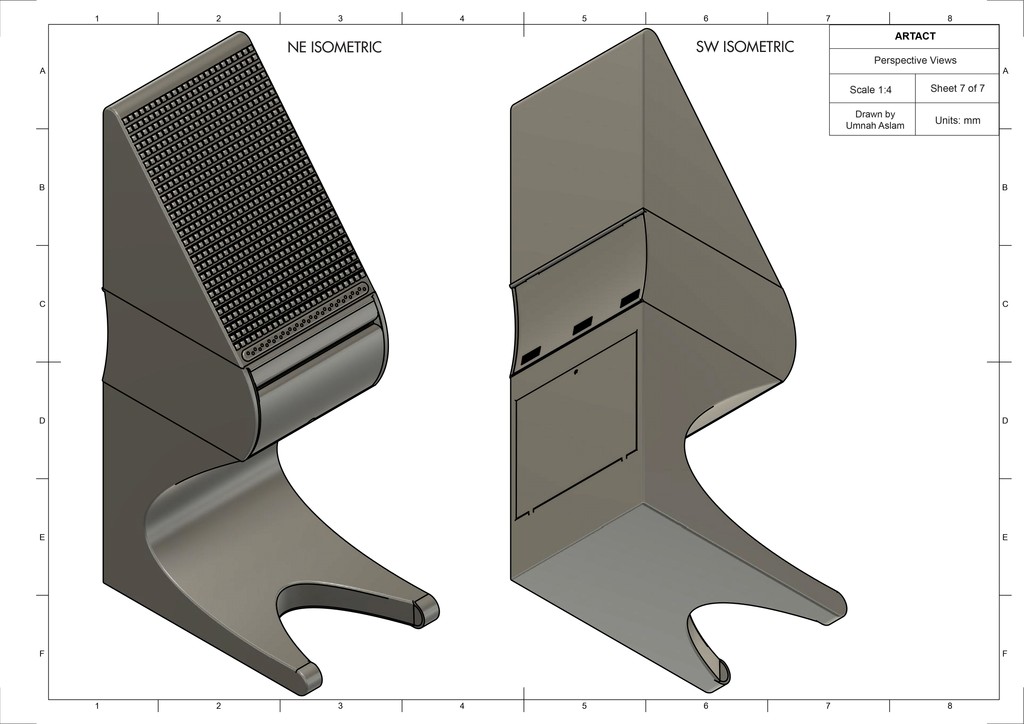
Back and front cover can be lifted in case of repair and adding a new roll of paper. Multiple users can use in form of modules in different settings.
Design Features
View other works
Let's work together!